A trivia climb where nobody waits their turn
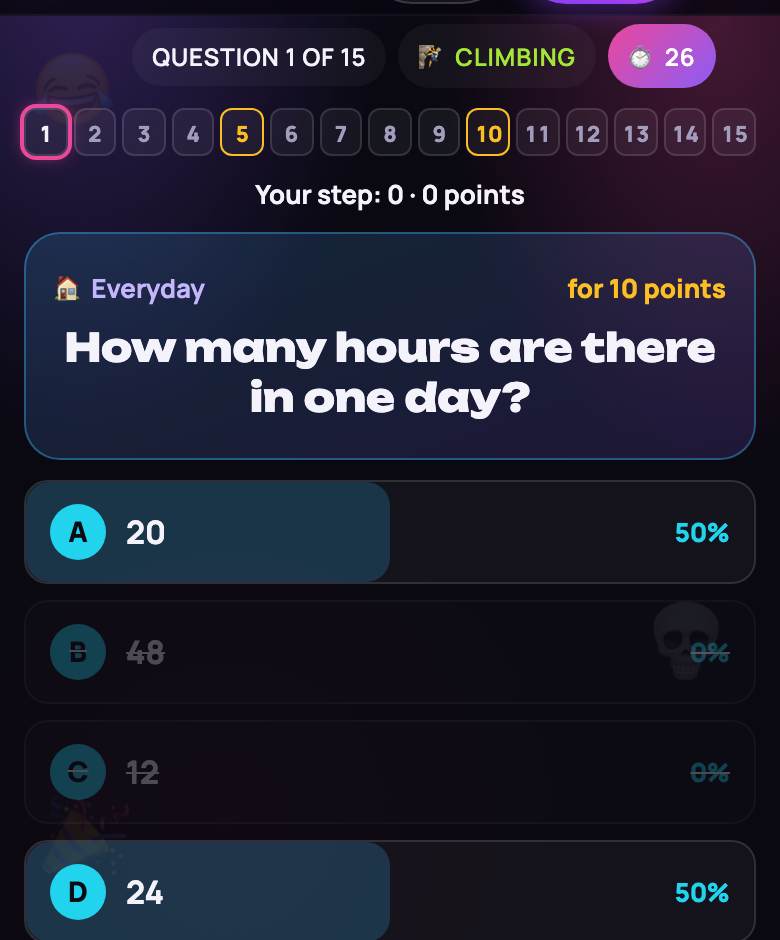
Fifteen questions from easy to brutal, with two safe havens on the way up: the format is in the spirit of the famous TV quiz. On TV one contestant climbs; here the whole group climbs at once, each answering the same question on their own phone.
It works for game night, a classroom review or an office trivia hour on Zoom. Step 1 is a warm-up like “Which planet is known as the Red Planet?”, step 10 asks about Magna Carta, and step 15 wants the capital of Palau. With 21 questions written for each step, everyone finds their ceiling.
How Quiz Ladder works
- Fifteen rounds; round N asks a level-N question. Everyone gets the same one, with four options and a 20, 30 or 45-second timer.
- Your pick is final. Others only see who has answered, never what.
- Right: up one step. Wrong, or silent until time runs out: down to your last safe step — 5 or 10, or zero before step 5.
- Fallen players join the audience and keep answering for fun; their picks feed the “Ask the room” lifeline.
- Before answering you can “Take points” and stop on your current step, once you’ve cleared at least one.
- Three lifelines, once each per game: 50:50, Ask the room and Swap. Only you see the result.
- The game ends when nobody is left climbing or question 15 is done. Highest final step wins; ties go to the faster total answer time.
Play trivia online with friends — free, no sign-up
The host creates a room and gets a link plus a four-character code of letters and digits. Friends open it on a phone or laptop, type a nickname and they’re in. No account, no app.
- 1 to 30 players, bots included. Play solo, or have the host add bots in the lobby.
- Bots are 97% accurate on step 1 and lose 5 points per step; from step 11 they sometimes take their points.
- Big Screen. The host clicks “📺 Open the screen” on a laptop connected to the TV, or you open playparty.live/tv on the TV and enter the code. It shows the ladder with points, safe steps in gold, where everyone stands, the question, a timer ring and “7 of 12 answered”; after the reveal, how many picked each option and who fell.
- The host can skip the 7-second reveal with “⏭ Next”, end early and start a rematch, which includes anyone new in the lobby.
- No joining mid-game: latecomers wait for the next one. Dropped out? Reopen the link in the same browser to get your spot back.
Settings, questions and points
One lobby setting: time per question, 20, 30 (default) or 45 seconds. Questions come in the language the room was created in. The English bank holds 315 questions, 21 per step, across eleven topics from geography and space to food, words and everyday life, and none repeats within a game. You can’t add your own questions here; for a custom quiz, use Quiz Board and its editor.
| Steps | Points |
|---|---|
| 1–4 | 10 · 20 · 30 · 50 |
| 5 — safe step | 100 |
| 6–9 | 150 · 200 · 300 · 400 |
| 10 — safe step | 500 |
| 11–14 | 700 · 1,000 · 1,500 · 2,500 |
| 15 — the top | 5,000 |
Points are just a scale: no money, no betting. The final ranking goes by step.
Strategy: how to finish higher
- Answer easy ones fast. Ties are broken by total answer time, and running out the clock counts as wrong.
- Don’t 50:50, then swap. The new question arrives with all four options, so the 50:50 is wasted.
- Give the room a moment. The poll counts audience members who already answered plus the bots’ picks. Wait 10–15 seconds for fallen players to vote; near the top, bots miss a lot.
- Watch the ladder. If every rival has fallen to 10 and you’re on 12, taking points locks in the win. The button asks for a second tap.
- Keep playing after you fall. Audience hits count toward “Best in the audience”, and “Fastest” goes to the quickest player with at least three steps.
Like this? Try Bluff Club, where the real answer hides among made-up ones, or the music quiz HitQuiz. More ideas: party games for the TV and phones.