Free games like Jackbox: turn any TV into a party game screen with phones
The best part of a Jackbox-style night is simple: one big screen everyone laughs at, and a phone in every hand. You can get that format for free in a browser — open playparty.live/tv on the TV, type the room code, and your friends play from their phones. Here is what works, what does not, and how it compares with the paid packs.
What “a game like Jackbox” actually means
Jackbox Games made a whole genre famous: you buy a Party Pack, run it on a console, a computer or a TV app, and everyone joins from their phone with a room code. The magic is not any single game — it is the setup. One shared screen that the whole room watches, and a private controller in every pocket so nobody needs a gamepad.
That setup does not require a paid pack. On playparty.live the shared screen is just a browser tab at playparty.live/tv, and the controllers are browser tabs on your friends’ phones. Nothing to buy, nothing to install. To be clear, we are not affiliated with Jackbox Games; this is an independent, free site that uses the same phones-plus-TV idea with its own games.
Paid party packs vs. playing in the browser: an honest comparison
| Feature | Paid party packs (e.g. Jackbox) | playparty.live |
|---|---|---|
| Cost | buy each pack | free; optional night pass only for big music and karaoke rooms |
| What runs the screen | console, PC or a supported TV/streaming app | any browser: smart TV, laptop on HDMI, projector |
| How guests join | phone browser + room code | phone browser + QR or 4-character code |
| Production value | voice-acted hosts, original art, lots of polish | clean and fast, but no voice-acted host |
| Catalog | many distinct titles across many packs | a focused set of party games plus card and board classics |
| Languages | depends on the pack | English, Spanish, Russian, Hebrew |
Where the paid packs win: studio-quality writing and voice acting, a much bigger catalog of one-of-a-kind games, and features built for streamers. If that is what your group loves, they are worth the money. Where the browser wins: zero cost, nothing to set up on the TV beyond typing an address, and one room that can hop between games all night without anyone rejoining.
How to put the game on your TV
You need a big screen with a browser, an internet connection, and phones. The phones do not need to be on the same Wi-Fi as the TV — everything goes through the internet, so a guest on mobile data plays like everyone else. Three ways to get the screen up:
- Smart TV browser. Many smart TVs ship with a web browser. Type playparty.live/tv and a four-character code with the remote — very little typing. The catch: TV browsers can be slow and fussy about sound. If it stutters, use option two.
- Laptop over HDMI. The most reliable choice. Plug in, make the tab full screen, and sound comes out of the TV speakers. Projectors work the same way.
- Screen casting. Many TVs and streaming sticks can mirror a laptop or phone wirelessly. It works, with a second or two of lag — fine for drawing and voting, not ideal for a music quiz where speed matters.
From remote control to round one
- The host opens playparty.live on their phone, picks a game and creates a room. No account — just a name.
- In the lobby of games with a TV mode, the “📺 Big Screen” button shows the /tv address and the room code.
- On the TV, open playparty.live/tv and enter the code: four letters and digits, with look-alikes like I, O, 0 and 1 left out so nobody fumbles it with a remote.
- The TV shows a lobby with a big QR code and the player list. Friends point their camera at it, type a name, and they are in.
- Press “Turn on sound” on the TV. Browsers block sound until someone clicks the page, and that same tap keeps the screen awake.
- The host starts the game from their phone.
During play a column with the QR code and room code stays on screen, so latecomers can join without interrupting: straight into music bingo, HitQuiz and karaoke, and into the other games once the current one ends. For the bigger picture of how link-and-code games work, see games you can play by link.
The best free party games for TV + phones
A big screen only helps games where the reveal is a shared moment. These are the ones with a dedicated TV mode:
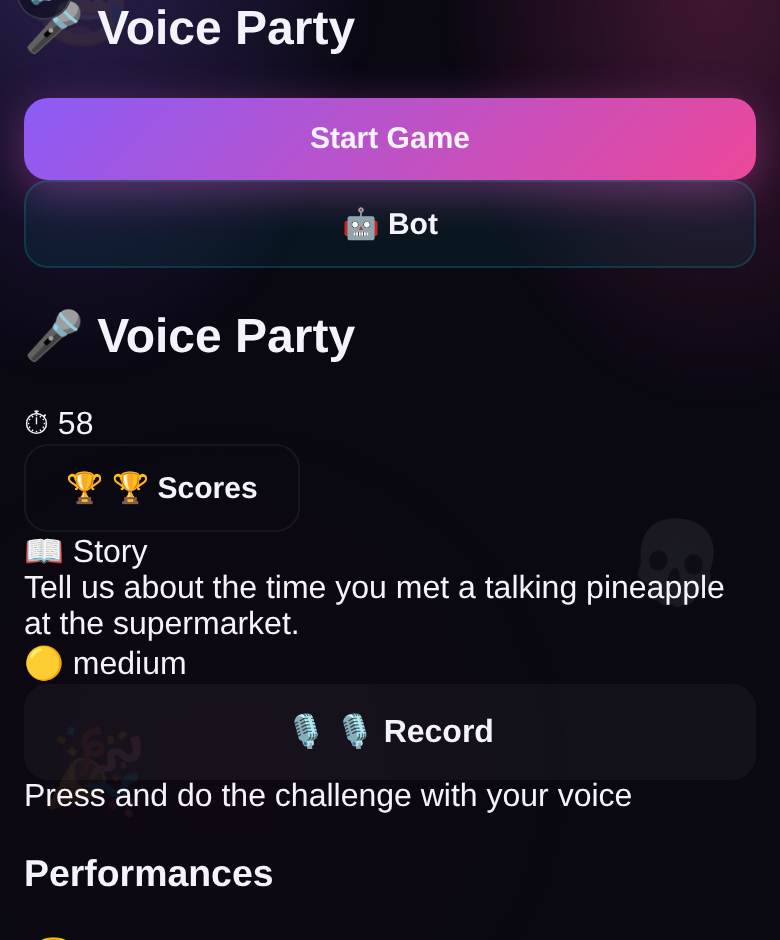
- Meme Party (3–10 players, bots available). A rotating judge reads a situation, everyone secretly plays a meme picture from their hand, and the answers pop up on the TV with no names attached. The judge picks a winner from their phone, and only then does the screen reveal who played it. Watching the room try to guess the author is half the fun.
- Bluff Club (3–12, bots available). A real but obscure fact appears with a blank, and everyone types a believable fake answer. Then the room hunts for the truth among the bluffs. The TV flips the answers one card at a time, saving the truth for last: +2 for finding it, +1 for every friend you fool. The closest free cousin to the classic “fake answer” party format.
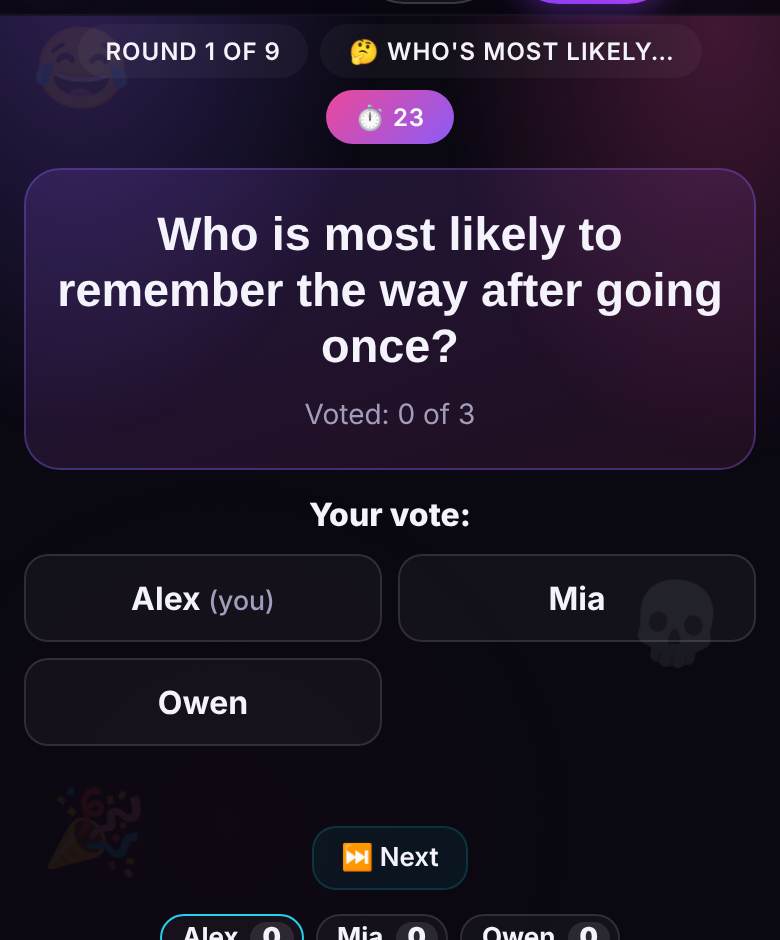
- Party Box (3–16). Three short formats in rotation: “Who’s most likely to…”, Two truths and a lie, and emoji riddles. Vote bars grow on the TV as phones vote. Family-safe and a great opener.
- Doodle Chain (4–16). Phrase, drawing, guess, drawing — a telephone game where nobody sees the whole chain until the finale, when the TV plays every album step by step.
- HitQuiz. Guess the song from a clip that grows from 1 to 3, 7 and 15 seconds; the sooner you name it, the more it is worth. Free for up to five guests; bigger rooms need a night pass.
- Explain It! and Cipher Words (both 4–16, teams). The TV shows the timer, whose turn it is and the score — never the secret word or the captain’s key.
- Karaoke Party and HitLoto music bingo for bigger celebrations: free up to five guests, up to 150 with a pass. Only the host ever pays; guests always play free.
How many players?
| Group size | Best picks |
|---|---|
| 2–3 | Meme Party or Bluff Club with bots, HitQuiz |
| 4–10 | everything above; team games start at 4 |
| 11–16 | Party Box, Doodle Chain, Explain It!, Cipher Words (Bluff Club up to 12) |
| 17+ | karaoke or music bingo with a pass, or two rooms on two screens |
A 60-minute game night run-of-show
| Time | What to play | Why it works |
|---|---|---|
| 0:00–0:05 | TV on /tv, everyone scans the QR, sound on | all phones in before anyone gets bored |
| 0:05–0:15 | Party Box: “Who’s most likely to…” | gets people laughing about each other right away |
| 0:15–0:30 | Bluff Club, 5 rounds | the room starts reading each other’s poker faces |
| 0:30–0:45 | Meme Party to 5 points | everyone gets a turn as judge |
| 0:45–0:57 | Doodle Chain | the album reveal is the loudest moment of the night |
| 0:57–1:00 | the evening leaderboard in the lobby | crown a winner, snap a photo of the podium |
Switching games takes seconds: the host changes the game in the lobby, and the guests, the code and the TV all stay put. Want a second hour? Karaoke is the natural follow-up — here is a full guide to a karaoke night on your TV. If nobody wants to run things, these party games that run themselves help.
Tips for sound, seating and Wi-Fi
- Let the TV do the sound. In HitQuiz and karaoke the music plays on the big screen. Keep sound off on guests’ phones, or you get a laggy echo.
- Seat people in a curve. Nobody should have their back to the screen. Before guests arrive, sit in the farthest seat and check that you can read the text.
- Share the Wi-Fi password early. A QR code on the fridge works. If fifteen phones strain a weak router, plug the screen laptop in with a cable.
- Chargers within reach. If a phone sleeps or a tab reloads, the player usually lands back in the same room.
- Kill the screensaver. The tap on “Turn on sound” keeps the page awake, but some TVs still dim; switch that off in the TV settings once.
Mistakes that sink a TV game night
- Mirroring your own phone. Everyone sees your cards. Use a separate screen device.
- Setting up in front of guests. Open /tv and press “Turn on sound” half an hour before people arrive.
- Reading the rules aloud for five minutes. One sentence, then round one. The screen explains the rest.
- One game all night. Attention drops after about 25 minutes. Rotate.
- Forgetting the quiet guests. Voting games like Party Box let people join in without performing.
FAQ
Is there a free game like Jackbox?
Yes. playparty.live uses the same idea — a shared TV screen and phones as controllers — in a browser, for free. It is independent and not affiliated with Jackbox Games, and it does not copy their games.
Can you play party games on a TV without a console?
Yes. All you need is a browser on the TV or a laptop plugged in over HDMI. Open playparty.live/tv, enter the room code, and everyone plays from their phones.
Do guests need to download an app?
No. Guests scan the QR code on the TV or tap a link, type a name and play. No app, no account, no email.
How many people can play on one TV?
Up to 10 in Meme Party, 12 in Bluff Club and 16 in Party Box, Doodle Chain, Explain It! and Cipher Words. Karaoke and music bingo take up to 150 with a night pass.
Does it work on a smart TV browser?
On many smart TVs, yes, but TV browsers vary a lot. If yours is slow or will not play sound, a laptop connected over HDMI is the reliable fallback.
🎉 Play Party Box right now
Needs 3+ players — friends join by link or QR
More about Party Box · Browse all 34 games · Online party games with friends