A game with your friend, not a stranger from a queue
Chess grew out of Indian chaturanga some 1,500 years ago; the modern long-range queen only arrived in the late 1400s. In the US it never really left: school chess clubs, the tables in Washington Square Park, and the 2020 online boom that sent millions back to the board.
The big chess sites are built for playing strangers: accounts, rating matchmaking, a wall of settings. This is for playing one specific person right now. Text a link, and ten seconds later the pieces are set. No sign-up, no download — just a phone or laptop browser.
The rules, exactly as we play them
Standard chess, nothing simplified. Here is how a game goes:
- Whoever creates the room plays White. A rematch swaps colors, and the win count builds up next to each name.
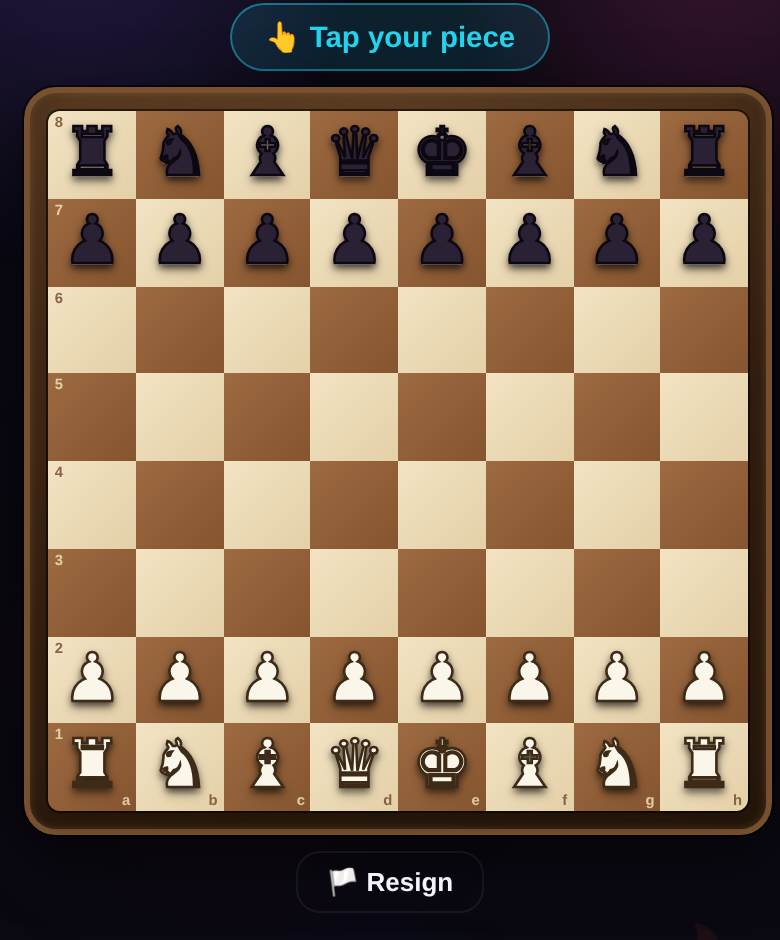
- Tap one of your pieces and its legal moves light up — a dot for a move, a ring for a capture. Illegal moves are impossible, so no arguments about how knights move.
- Castling on both sides, en passant and promotion all work. When a pawn reaches the last rank you pick a queen, rook, bishop or knight.
- Checkmate wins. You can hit “Resign” at any moment and the game goes to your opponent.
- Draws are called automatically: stalemate, insufficient material, threefold repetition and the 50-move rule. A safety cap ends the game as a draw after 200 moves per side.
- Each move has a 90-second limit. Let it run out and the server plays a move for you; the game goes on. Nobody loses on time.
How to play chess with a friend online
- Open Chess, type a nickname and hit “Create New Game.”
- Send your friend the link, or read out the room code — four characters, letters and digits — if the link got lost in the group chat.
- Your friend opens it, enters a nickname and sits down at the board. A room seats exactly two.
- The creator presses “Start Game.” No opponent around? Add a bot to the second seat instead.
Black sees the board flipped, captured pieces and the material count sit next to the names, and a king in check glows red. Moving is two taps — piece, then square — more reliable on a phone than dragging. Dropped connection on the subway? Reopen the same link; the position is still there. For more on actually getting that game scheduled, see how to play chess with a friend by link.
Bot, Elo rating and tournaments
The bot has one setting and no difficulty levels. It is a sparring partner, not an engine: it grabs loose pieces, avoids hanging its own and never misses mate in one, but sees only one move ahead.
Elo. Everyone starts at 1000 and the rating updates after every game; a game against a human moves it twice as much as one against the bot. The leaderboard lives on the rating page. Monthly seasons sort players into leagues from Bronze to Legend, and beating the bot alone tops out at Platinum. No account required — your rating is tied to your browser.
More than two players? Start a Tournament: a 3–8 player knockout bracket with chess as the default game. Pairs play one at a time while the rest watch; scheduled tournaments with advance sign-up include chess too. After a game the host can switch the same room to Checkers or Backgammon without a new link.
Tips for 90-second moves
- Spend time where it matters. The 90 seconds reset every move and never carry over — recapture fast, think in sharp positions.
- Run a blunder check. After every opponent move ask “what is attacked now?” Casual games are decided by hung pieces, not deep plans.
- Beat the bot with two-move ideas. Forks, pins and discovered attacks are invisible to it until they land.
- Mind the stalemate. Up a queen against a bare king, always leave the king a legal move until you can mate — stalemate is an instant draw here.
- Underpromote when it helps. Sometimes a knight gives check with a fork while a queen gives stalemate. The choice is yours on every promotion.